
Vip Station
On-site Training
Free on-site training for P6 or 800 Series purchases (details subject to contract). Professional technicians provide full hands-on training to ensure quick product mastery. This purchase-exclusive benefit excludes subsequent advanced training or refresher courses, which are chargeable at standard rates.
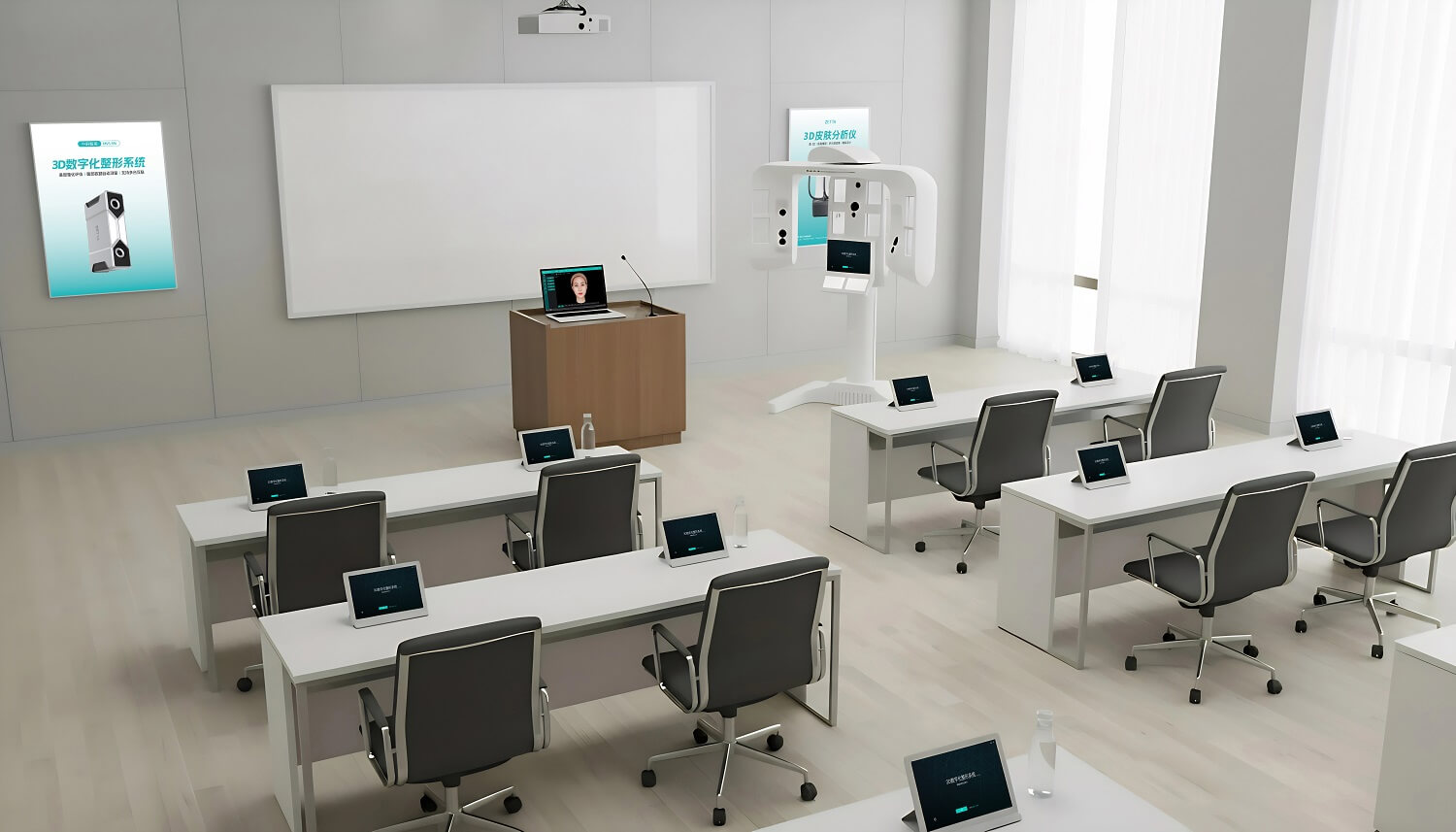

Online Training
Complimentary exclusive online training for designated product purchases. Professional trainers deliver live hands-on online teaching with real-time Q&A to ensure easy onboarding and proficient use. This purchase-included benefit does not cover subsequent value-added training (advanced courses, targeted refresher training, etc.), chargeable at unified standard rates.
Customized Development
Custom development is available for select software functions to meet personalized needs. We deliver tailor-made modules for your business scenarios, with transparent pricing based on development difficulty, timeline and technical input. Our professional team provides full-process support to ensure stable delivery of custom functions.

Service and Support
Welcome to our products. The warranty period starts from the day you receive the goods. Please explain detailed the problem and need. Our staffs will attempt to diagnose your issue by phone, email, or remote assistance. The product can be sent back to our company for further if the problem cannot be resolved by phone.

We provide one free replacement within the first three months for verified non-user-caused product failures.

We provide a one-year warranty from the device delivery date. Warranty service requires a non-user-caused failure, no unauthorized disassembly, and valid proof of purchase.

Consultation is available ten hours a day, seven days a week, from 9:00 am to 7:00 pm. For issues outside these hours, contact the 24/7 after-sales specialist introduced during installation.
Frequently Asked Questions
A: Plug the hardware dongle into the USB port before opening the software. Red light = normal; no light = improper driver installation.
A: Check device connection and power. The power switch (with indicator light) is on the bottom of the device.
A: 1. Fit the headband’s lower edge flush with the hairline.
2、Tie up hair, fully expose both ears.
3、Fully expose the neck (no collar block; remove heavy coats/down jackets).
A: Incorrect scanning distance. Re-scan at the required distance per the operation manual.
A: Enter your own phone number when filling in customer info. Data is stored by phone number; same number = same customer by default.
A: Contact after-sales support via Zhongke Zhimei WeChat Official Account → menu bar → "Intelligent Customer Service".